 No Scrubs AI
How to Make a No Scrubs AI Video
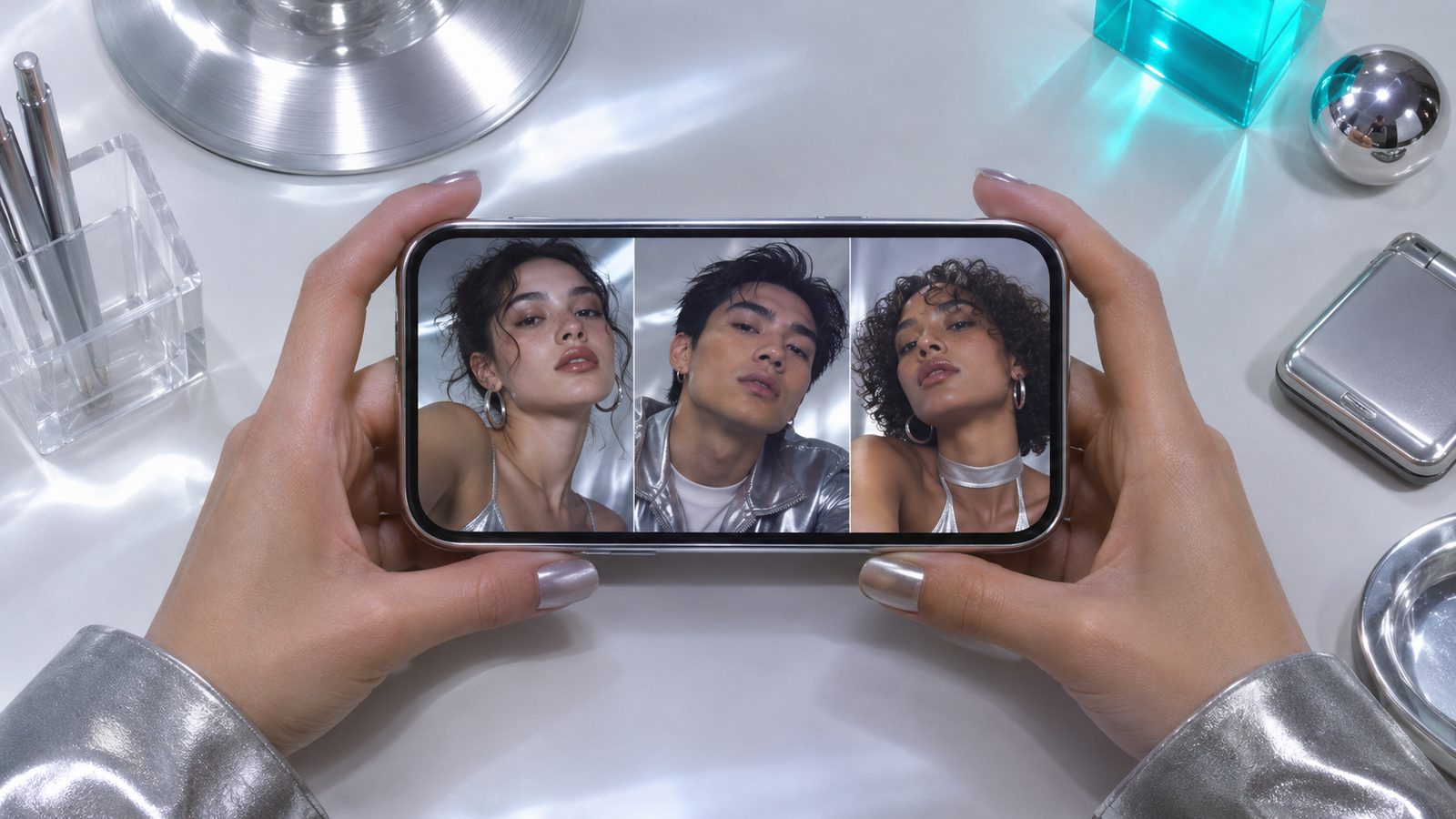
Step by Step
Step 1 — Pick your photos.
Choose one clear, front-facing photo of the person who leads. Add two more if you want a full trio. Use photos of the face and shoulders, not full-body shots where the head is small.
Step 2 — Place them.
Photo 1 is the middle dancer. Photo 2 goes left, Photo 3 goes right. Leave slots empty on purpose if you want our AI dancers in them — a one-photo clip still reads as three dancers.
Step 3 — Check the still frame.
Before you pay, the tool shows a frame of your scene. Look at the light on the faces, whether anyone is cropped, and whether all three read at a thumbnail size.
Step 4 — Unlock and render.
Credits are one-time packs: $9.99 for 1 video, $19.99 for 3, $29.99 for 5. Rendering takes a couple of minutes; the clip is about 15 seconds.
Step 5 — Download and post.
Download the MP4. It already has the template's soundtrack on it. If the platform where you post mutes or flags the audio, swap in that platform's own version of the trending sound.
Photo Tips That Change the Result
- Face fills a third of the frame or more.
- Even light; avoid one side in shadow.
- Straight at the camera, eyes open.
- No sunglasses, masks or hands on the face.
- One person per photo makes placement clean.
- Avoid beauty filters that erase the jawline.
- Adults only, with their consent.
Mistakes That Waste a Render
- Group photo as one file. The tool takes one face per slot; crop it first.
- Screenshot of a screenshot. Compression shows up as soft, waxy skin.
- Heavy side light. The render follows the light in your photo, so a half-lit face stays half-lit.
- Small head in a wide shot. The face gets stretched to fill the slot and loses likeness.
- A friend who said "sure" without seeing it. Get a clear yes before uploading.
FAQ
Q1How many photos do I need?+
One is enough for a full frame; up to three for a real trio.
Q2Do I need to write a prompt?+
No, the scene is fixed. You only choose photos.
Q3Can I do it on a phone?+
Yes, it runs in the browser at noscrubsai.online. No install.
Q4Does the video have sound?+
Yes, the MP4 comes with the template's soundtrack. You can also replace it with the trending sound inside TikTok or Reels.
Q5Why does my render look off?+
Usually the source photo: soft focus, side shadow or a small head. Retry with a clearer face.
Q6How long until it's ready?+
A couple of minutes. The free still preview comes first.
Try It With One Photo
The whole flow is photo, preview, render. Nothing to learn.